01 / KEEP GOING
Right where you left it.
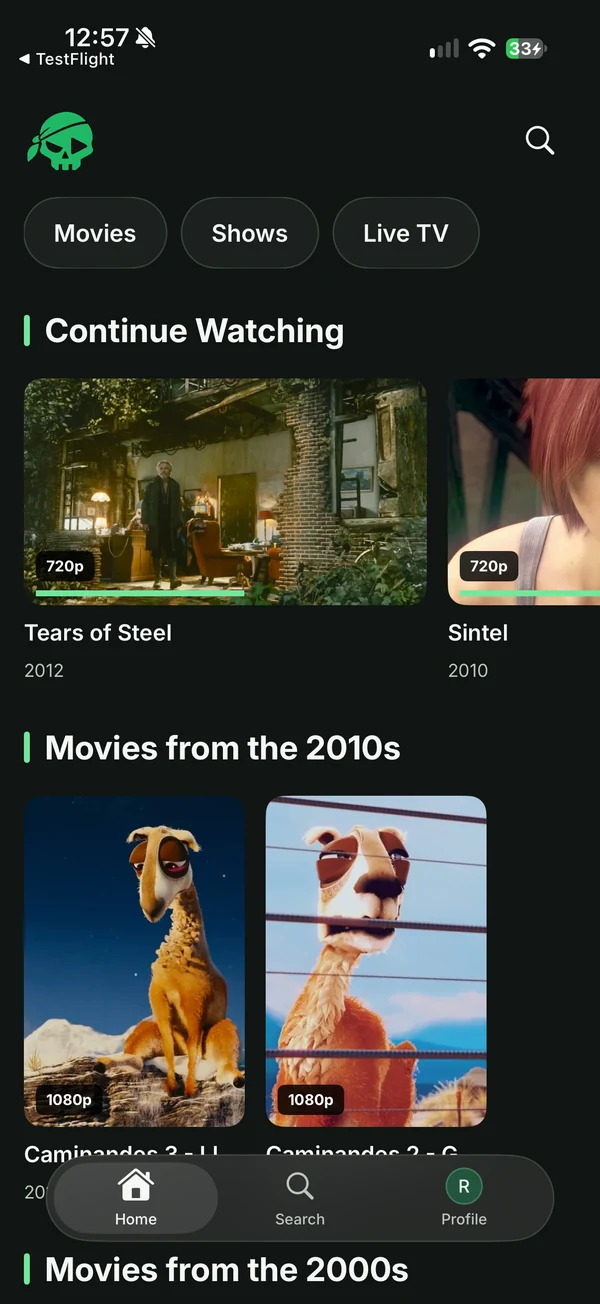
Unfinished films, ready when you are. Continue from the progress saved on your server.
Your Jellyfin. Made native.
Zorofin is a Jellyfin app for iPhone, iPad, Apple TV, Fire TV and LG TVs, for people who watch movies, shows and Live TV from a Jellyfin server they run or were invited to. Every part of it, done really well.
Now on iPhone, iPad, Apple TV, Fire TV and LG TVs. Your own Jellyfin server required.
Pick your screen
Available now for iPhone, iPad, Apple TV and Fire TV. Connect your server and settle in.
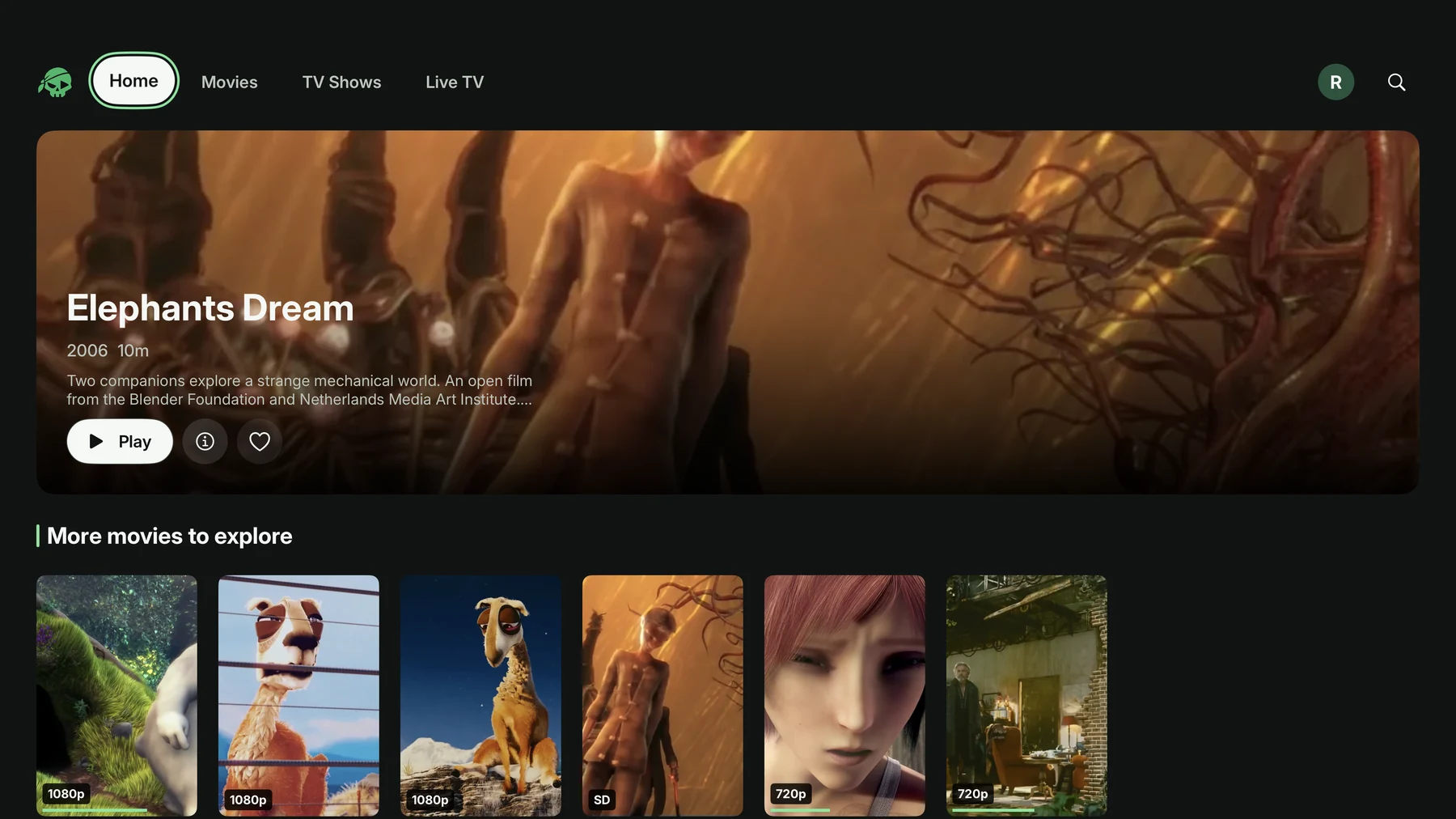
Your library on the big screen, with native browsing and Apple TV playback controls.
Explore Apple TV Available on the Amazon AppstoreBrowse and watch your Jellyfin collection with an app made for the Fire TV remote.
Explore Fire TV Direct downloadYour library on your LG TV, made for the Magic Remote, with Live TV and Continue Watching.
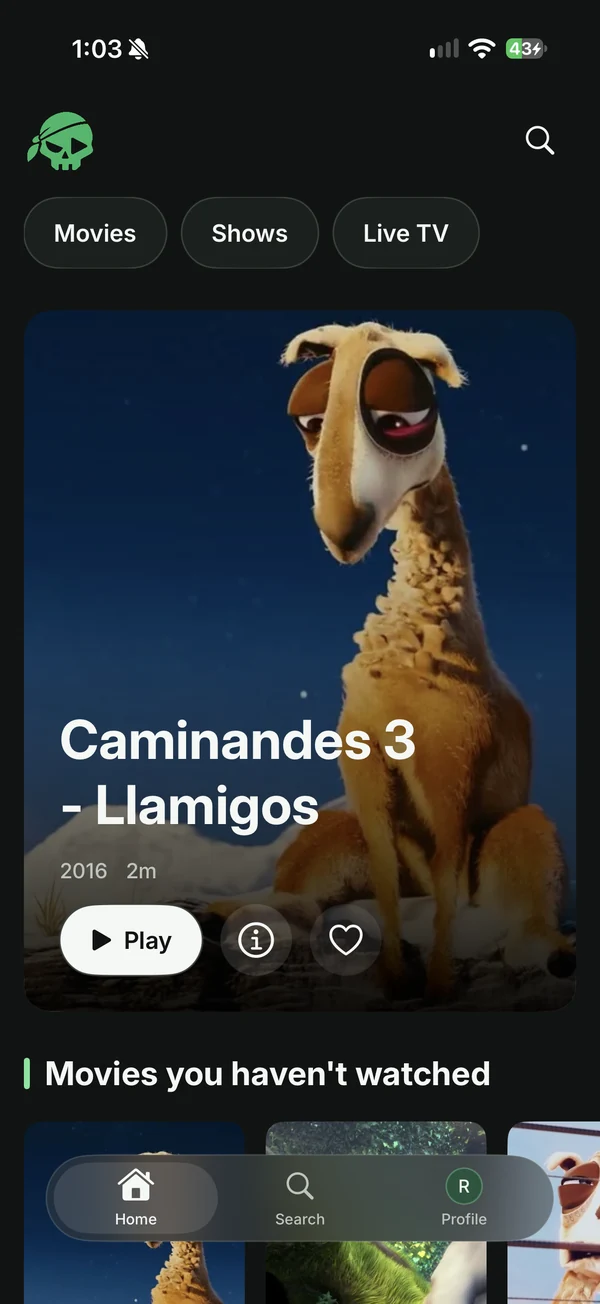
Explore LG TV Available on the App StoreYour library in your pocket, with touch playback and vertical episode browsing.
Explore iPhone Available on the App StoreMore room for artwork, films and shows, with an interface made for the bigger canvas.
Explore iPadMore ways to watch. We’ll add each platform as it becomes available.
A little less searching. A little more watching.
Browse your collection, find something you love, and get right back into the story.
Unfinished films, ready when you are. Continue from the progress saved on your server.
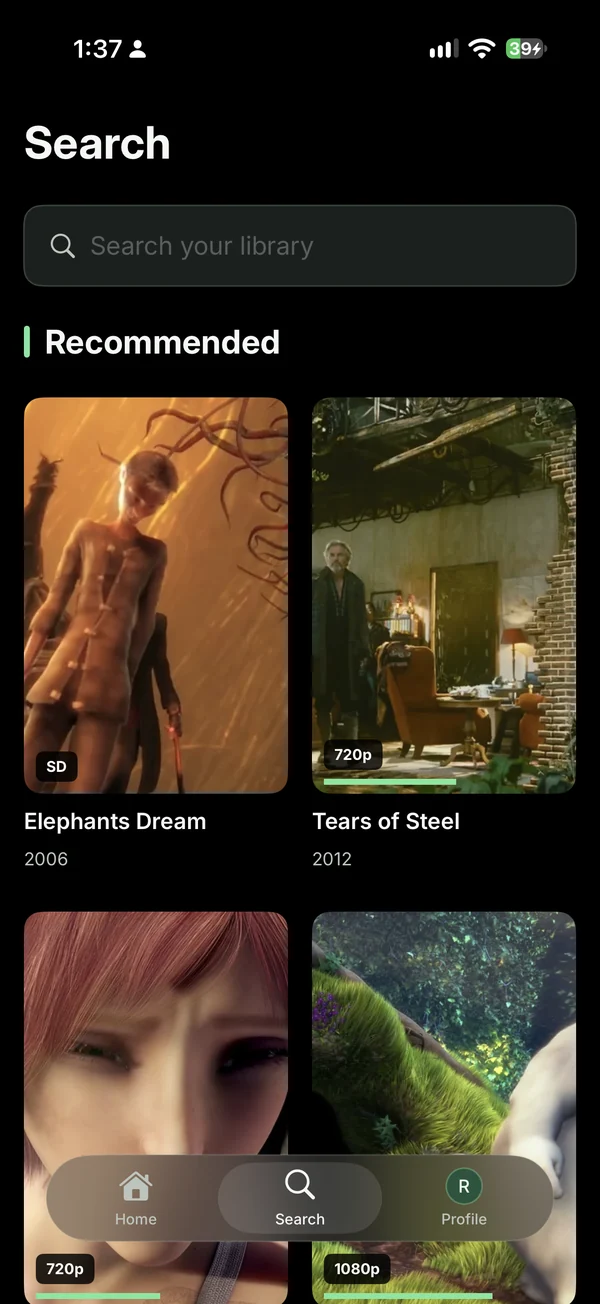
Search your server’s library and explore recommendations, with artwork doing the talking.
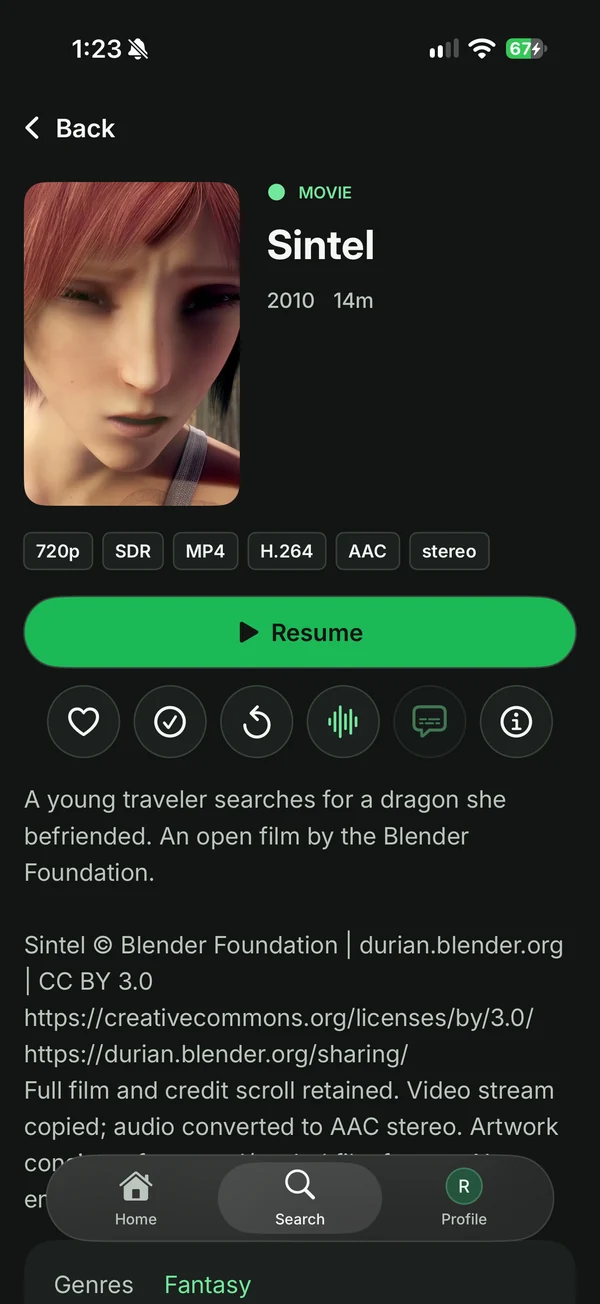
Story, picture quality and playback options, together in a clean title view.
Zorofin on Apple TV
Give your collection the space it deserves, with cinematic browsing and controls made for the remote.
Your collection, in view.Browse artwork and open the details without leaving the couch.
Native from the start.A dedicated Apple TV experience, using your existing Jellyfin account.
Made for the moment
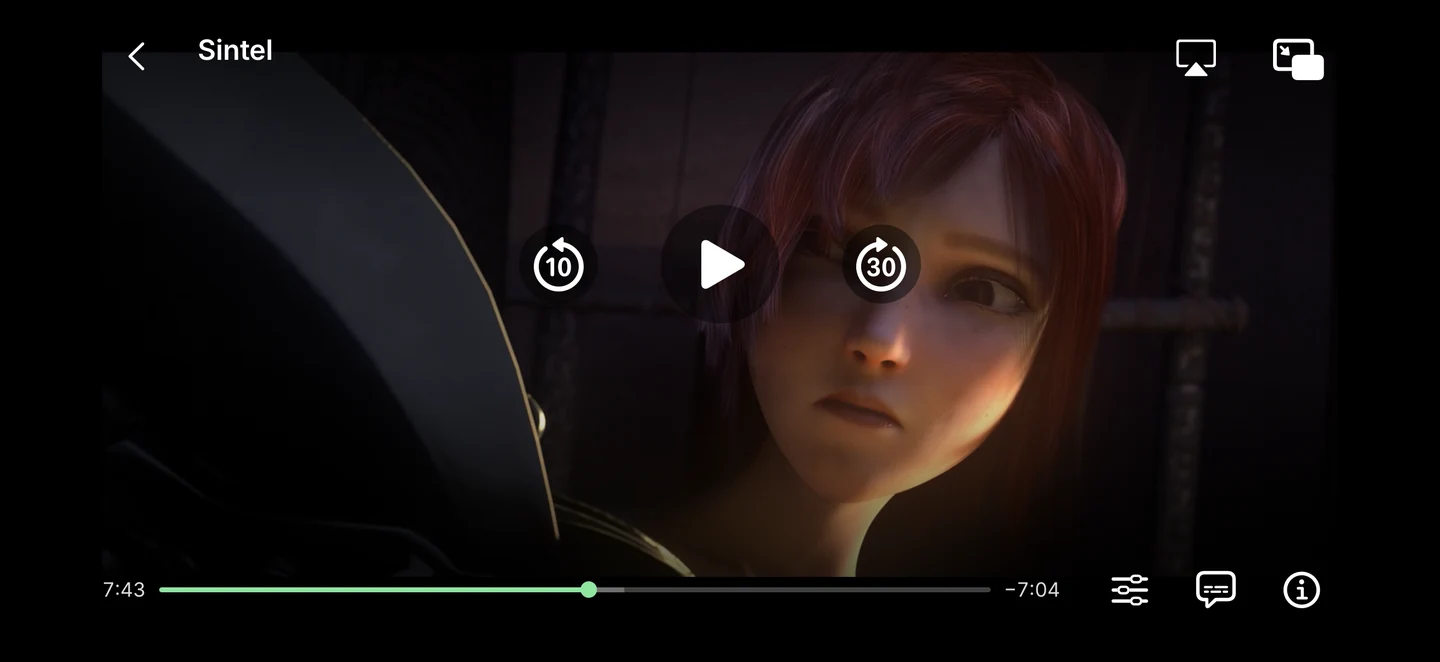
A custom player keeps audio, subtitles, quality and playback information close. On iPhone, pinch to fit or fill the picture.
Bring your own library
Zorofin connects to a Jellyfin server you already have access to. The app is your player; your server supplies the library.
Zorofin is a Jellyfin client. It does not include media, a subscription, a server directory or hosted accounts. You need access to a Jellyfin server and its library.
No. For ordinary library browsing and playback, you only need a Jellyfin server and an account with access to its media. Compatible request and server-support features are optional additions.
Live TV depends on your Jellyfin server. Requests, server support and their notifications require compatible server features and the right account permissions. Basic library browsing and playback work independently of those optional services.
Connections go to the server you choose, and saved sign-ins stay on your device. The Apple apps use Apple Keychain. These public pages have no analytics scripts or sign-in form. Read the Privacy Policy for the full details.
Zorofin for iPhone and iPad is available on the App Store. Free to download. Your own Jellyfin server required.
Download on the App StoreZorofin for Apple TV is available on the App Store. Free to download. Your own Jellyfin server required.
Download on the App StoreNow available on Fire TV. Connect your own Jellyfin server. Check the Amazon Appstore listing for device compatibility.
View on the Amazon AppstoreVisit App Support for contact details and what to include in a report. TestFlight testers can also use Send Beta Feedback.